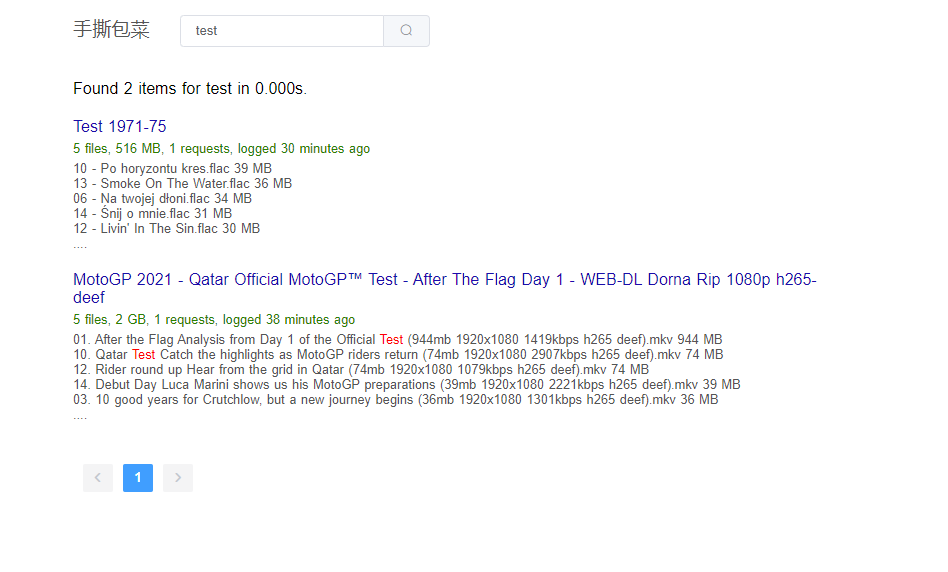
磁力搜索网站,ssbc安装教程

本文将介绍种子搜索网站——手撕包菜的安装教程,整个项目包含爬虫,网站,搜索3个功能模块,使用Nodejs编写(老版本为Python)。

磁力搜索网站

本次教程使用的服务器(vps),是在vultr上购买,操作系统选择ubuntu 20.10 64位。
你也可以在本地使用自己电脑安装,但保证有公网IP,否则爬虫爬不了数据。

1.依赖安装

1.1 安装 Mongo 数据库

依次执行下面4行命令

wget -qO - https://www.mongodb.org/static/pgp/server-4.4.asc | sudo apt-key add -

echo "deb [ arch=amd64,arm64 ] https://repo.mongodb.org/apt/ubuntu focal/mongodb-org/4.4 

multiverse" | sudo tee /etc/apt/sources.list.d/mongodb-org-4.4.list

sudo apt-get install -y mongodb-org

启动Mongo

sudo systemctl start mongod

1.2 安装 Nodejs

先安装nvm

wget -qO- https://raw.githubusercontent.com/nvm-sh/nvm/v0.38.0/install.sh | bash

source ~/.bashrc

通过nvm方式安装最新版本nodejs

nvm install node

安装pm2 (nodejs进程管理器)

npm install -g pm2

1.4 安装nginx

apt instal -y nginx

1.4 安装make和g++

apt install -y make g++

2. 程序安装

下载源代码

git clone https://github.com/78/ssbc.git

进入程序根目录

cd ssbc

安装nodejs依赖,并编译程序

cd spider && npm install && cd ..

cd web && npm install && npm run build && cd ..

3.启动程序

启动爬虫

cd spider/ && pm2 start ecosystem.config.js && cd ..

启动web

cd web && pm2 start ecosystem.config.js && cd ..

配置nginx,编辑配置文件

vi /etc/nginx/conf.d/ssbc.conf

加入下面配置,www.xxx.com改成你真实的域名,如果测试可以设为ip地址

server {
    listen 80;
    server_name www.xxx.com;
    location / {
        proxy_pass http://localhost:3001;
    }
}

重启nginx

nginx -s reload

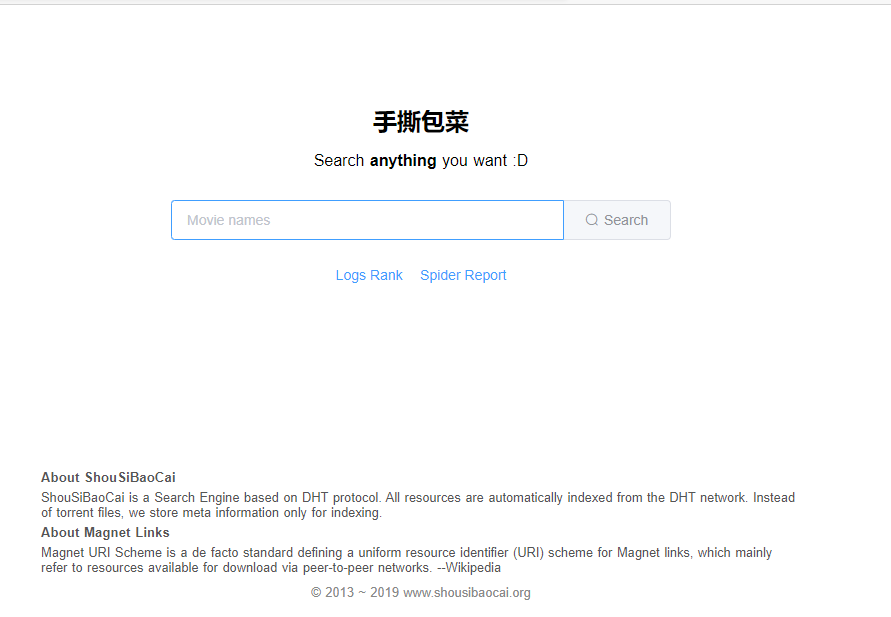
现在可以访问http://www.xxx.com了,下面是截图

未完待续~

@liuyongjie2001 手动重启下sphinx

出现这个错误了,这咋改呢?
Sphinx 2.3.2-id64-beta (4409612)
Copyright (c) 2001-2016, Andrew Aksyonoff
Copyright (c) 2008-2016, Sphinx Technologies Inc (http://sphinxsearch.com)

using config file ‘sphinx.conf’…
indexing index ‘hash’…
(node:1494) [MONGODB DRIVER] Warning: Current Server Discovery and Monitoring engine is deprecated, and will be removed in a future version. To use the new Server Discover and Monitoring engine, pass option { useUnifiedTopology: true } to the MongoClient constructor.
(Use node --trace-warnings ... to show where the warning was created)
collected 123 docs, 0.0 MB
sorted 0.0 Mhits, 100.0% done
total 123 docs, 6168 bytes
total 0.332 sec, 18545 bytes/sec, 369.83 docs/sec
WARNING: no such index ‘searchd’, skipping.
total 4 reads, 0.000 sec, 12.9 kb/call avg, 0.0 msec/call avg
total 12 writes, 0.000 sec, 2.8 kb/call avg, 0.0 msec/call avg

楼主回复下私信,付费请教个问题

@cometnet磁力搜索网站,ssbc安装教程 中说:

WARNING: no such index ‘searchd’, skipping.

我之前好像遇到过,手动重启下sphinx

@k1995 Sphinx 3.4.1 (commit efbcc65)
Copyright (c) 2001-2021, Andrew Aksyonoff
Copyright (c) 2008-2016, Sphinx Technologies Inc (http://sphinxsearch.com)

using config file ‘sphinx.conf’…
WARNING: key ‘csvpipe_attr_timestamp’ was permanently removed from Sphinx configuration. Refer to documentation for details.
indexing index ‘hash’…
ERROR: index ‘hash’: source ‘src1’: not all columns found (found=5, total=4, line=1).
total 0 docs, 0.0 Kb
total 0.5 sec, 0.0 Kb/sec, 0 docs/sec
WARNING: no such index ‘searchd’, skipping.
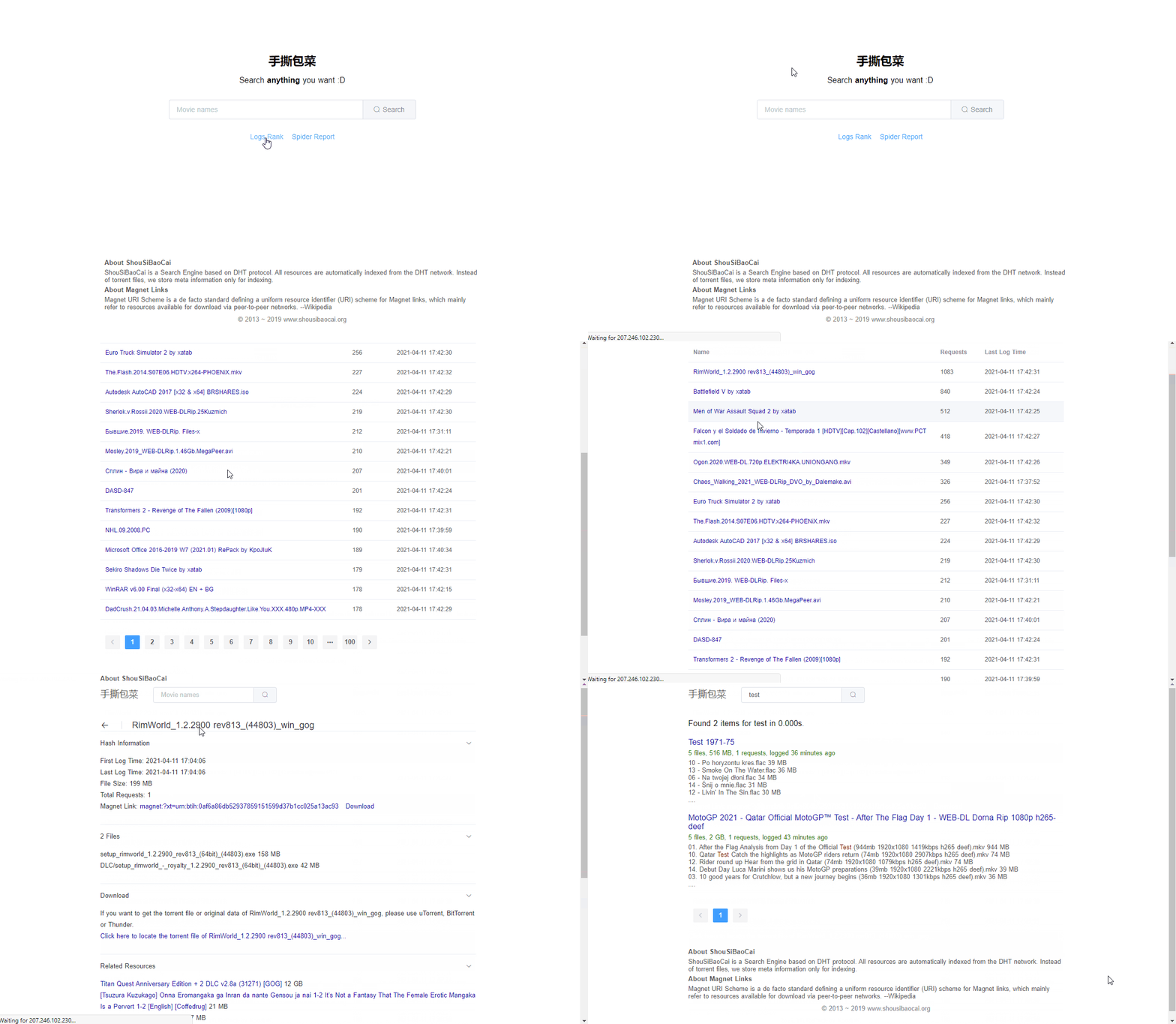
报错呀老哥

5. 配置搜索功能

安装搜索引擎 - SphinxSearch

apt install sphinxsearch

创建目录

mkdir -p /data/bt/index/db /data/bt/index/binlog

初始化索引

cd spider && indexer -c sphinx.conf hash searchd -c sphinx.conf

现在可以搜索了

4. 爬虫数据验证

爬虫已经运行有5分钟了,下面我们进入mongo数据库里面,看下是否已经爬到了数据?
执行下面命令

mongo

use torrent;

db.filelist.find()

OK,有数据,表明爬虫正常工作。

下面进入最后一步,配置搜索引擎。